Transfer the team
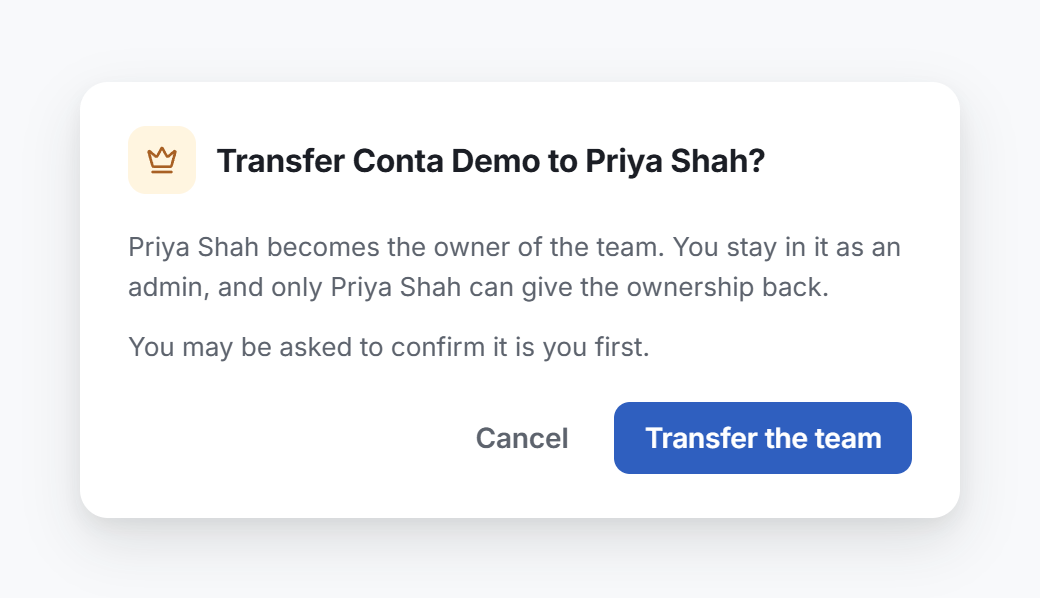
Make another person of your team its owner. You stay in the team as an admin.
Where to find it:accounts.conta.financeTeamUsersTransfer the team
A teamA group of people who work on a set of organizations together, such as a finance team or an accounting firm. has exactly one owner. To give the ownership to another person of the team, transfer the team. You stay in the team as an admin.
Transfer the team when the owner leaves the company, or before the owner deletes their account. Support asks the owner of a team to transfer it before it deletes the account. See What only support can do.
Before you start
- You must be the owner of the team.
- The new owner must already be in the team, as an admin or a member. To add a person first, see Invite a user.
- The transfer needs a recent sign-in. Conta Finance can ask you to confirm it is you. See Confirm it is you.
Transfer the team
- On the page of your team, open the Users tab.
- Open the menu of the person and select Transfer the team.
- Read the window, then select Transfer the team.
- If the Confirm it is you window opens, confirm it. The transfer then continues by itself.
A message confirms that the person is now the owner of the team.
What changes
| Before | After | |
|---|---|---|
| You | Owner | Admin |
| The person | Admin or member | Owner |
| The organizations of the team | Owned by the team | Still owned by the team. Nothing moves. |
As an admin, you keep Full access to every organization the team owns. You can still invite members, set their access and remove them. You can no longer:
- invite admins, or change the role of a person
- rename the team, or change its logo
- transfer the team
Only the new owner can give the ownership back to you, with the same steps.